Build a document packet.
Start a blank or example checklist, attach existing documents and choose their order. Select sanitized or unredacted pages for each attachment, and review missing items before making a PDF packet.
 PapriloComing soon
The Paprilo workflow
Tools for the small steps that make paperwork easier to manage.
Built into the current app · Public release coming soon
01 / Capture & arrange
Scan one page at a time with your camera, or import selected photos. Rename documents, rearrange pages and undo the most recent page removal.
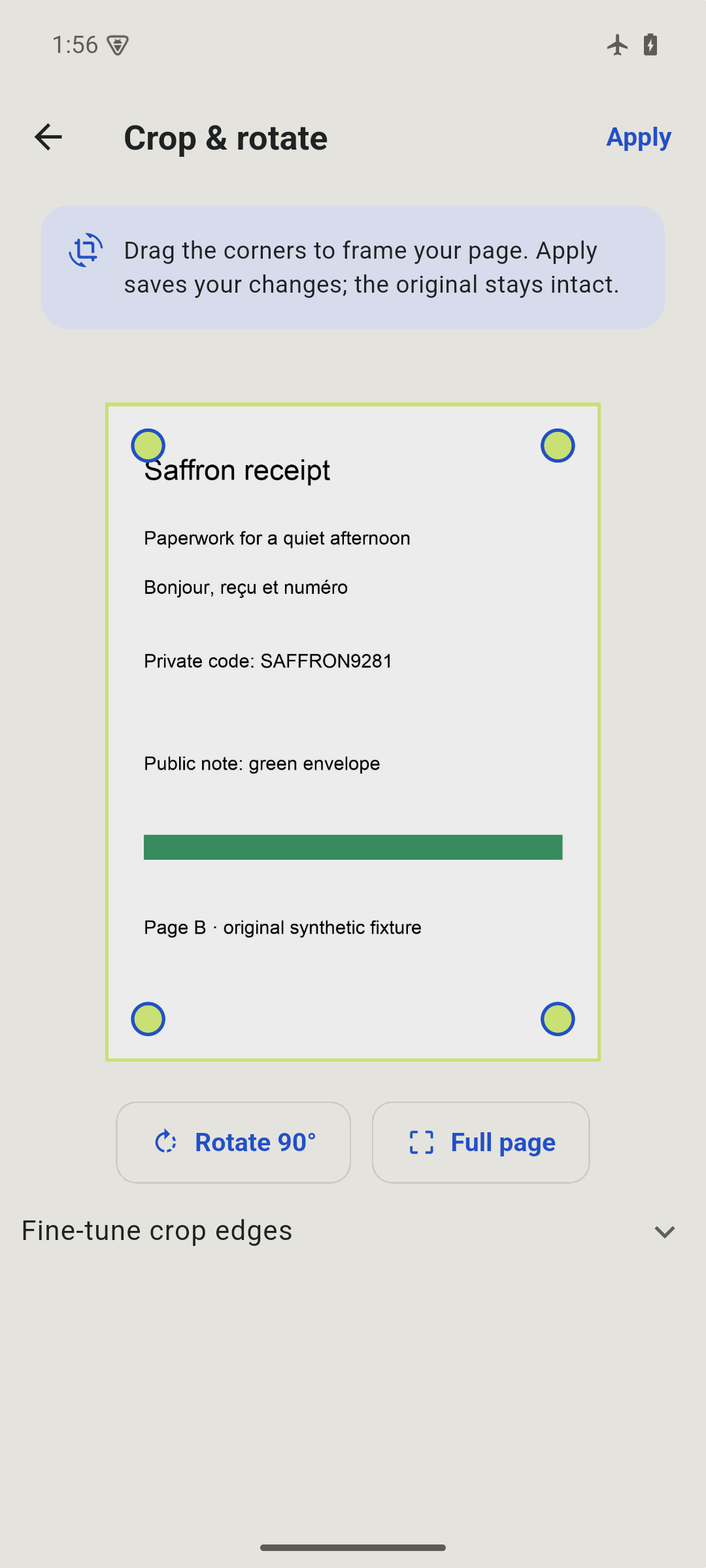
Use rectangular crop handles and rotation to frame the page. Documents support up to 40 pages.
02 / Review & cover
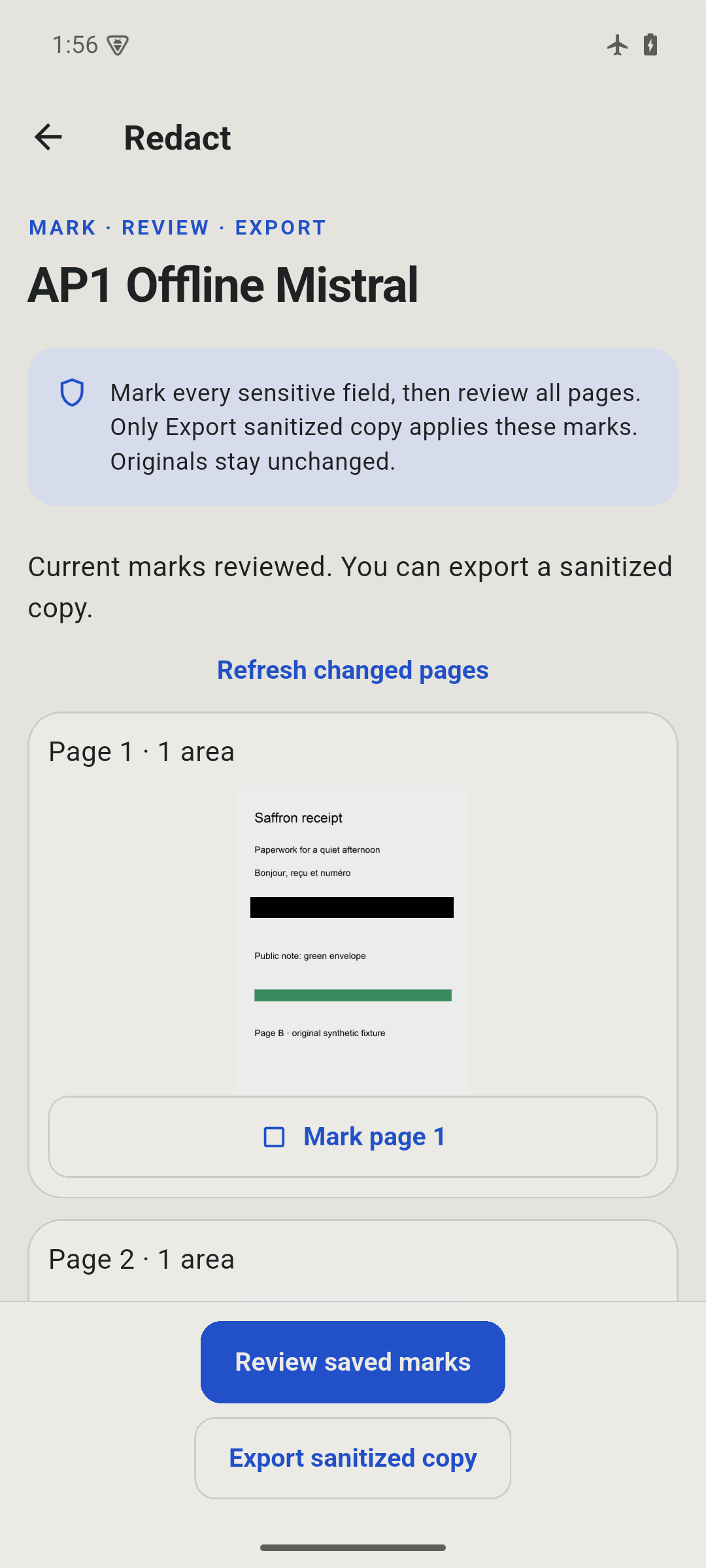
Draw rectangles over details you want to hide. Review every page, then create a new sanitized PDF or JPEG with the marked pixels replaced.
Redaction is manual. Original pages and older unredacted exports remain in your library. Review the exact exported file before sharing it.
03 / Prepare & export
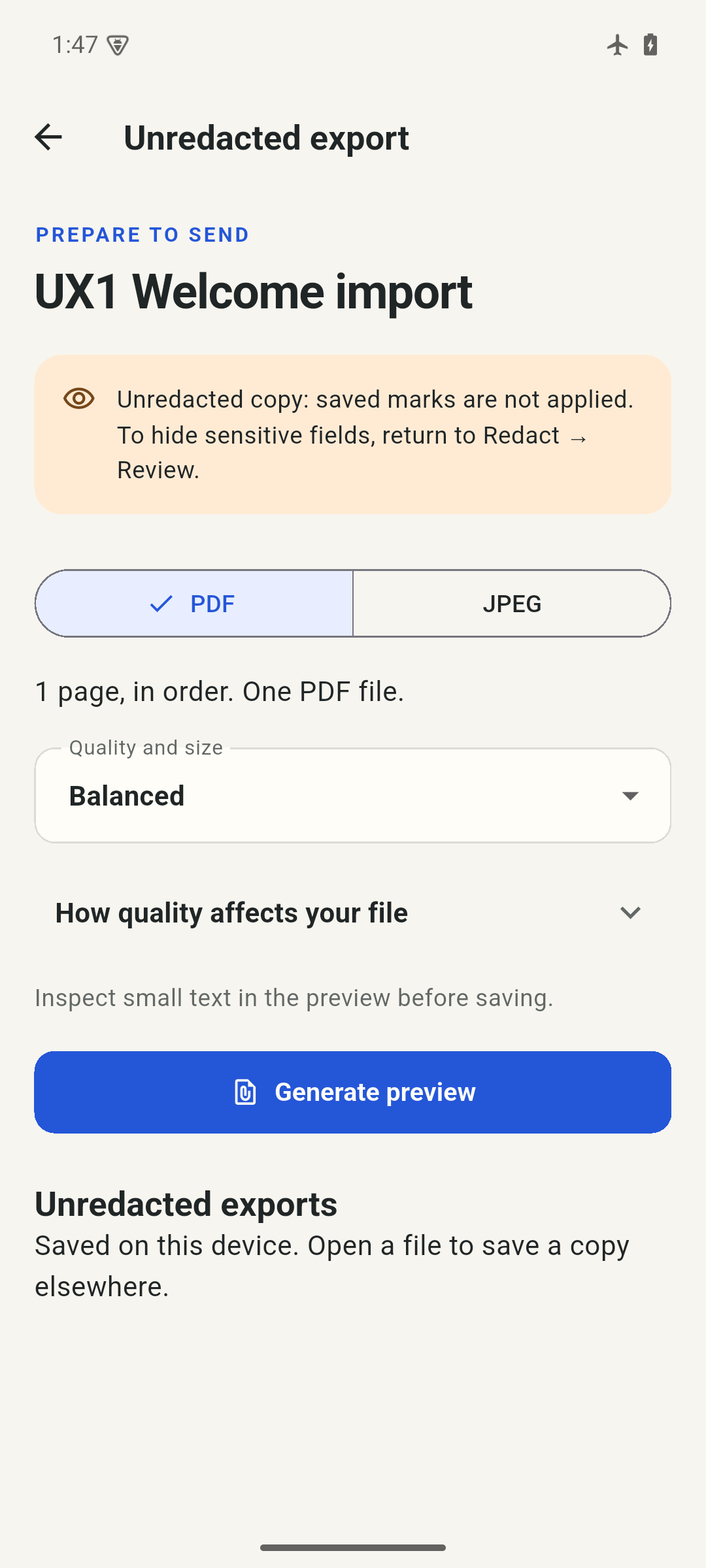
Create a multi-page PDF or a JPEG of one selected page. Choose Maximum or Balanced quality, or try a target size. Preview the actual result before saving a copy.
If a target cannot be met within the quality limit, Paprilo tells you. Size targets are not a guarantee of acceptance by another service.
04 / Find & return
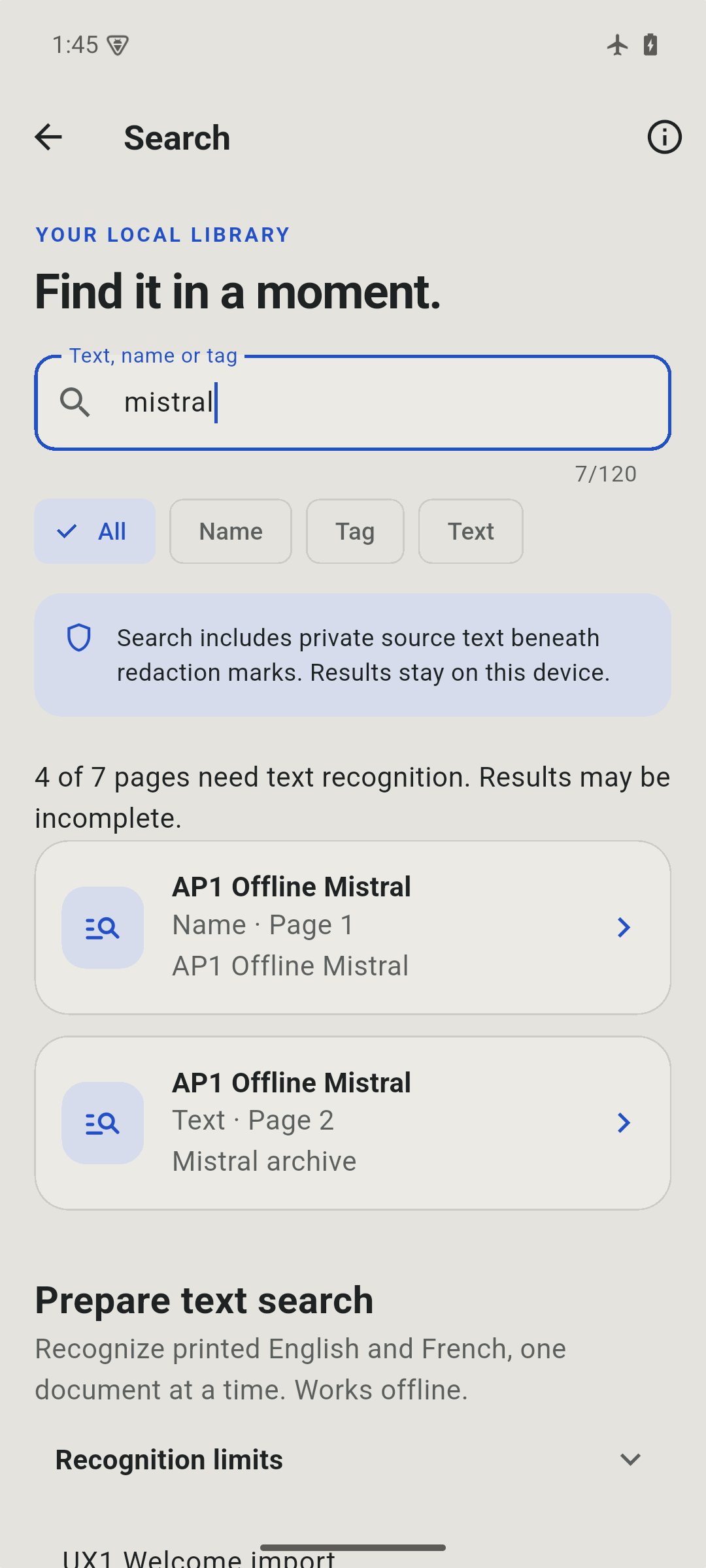
Search document names, tags and recognized printed English or French text. Open a matching page from the results, with pending recognition clearly shown.
Recognition runs on device on Android and iOS 16 or later. It can make mistakes and does not cover handwriting. PDFs are image-only, without searchable text layers.
Keep things together
Start a blank or example checklist, attach existing documents and choose their order. Select sanitized or unredacted pages for each attachment, and review missing items before making a PDF packet.
Create a password-encrypted backup, inspect its contents and restore without overwriting local edits. Backups include original pages and recognized text. Forgotten passwords cannot be recovered.
Optionally require device authentication when returning to Paprilo. App lock guards the app interface; it does not encrypt the local library or erase exported files.
Paperwork, handled.
The screenshots on this site show the current Android app with original sample documents. iPhone imagery and final release checks are still in preparation.
Availability & help