Find it again
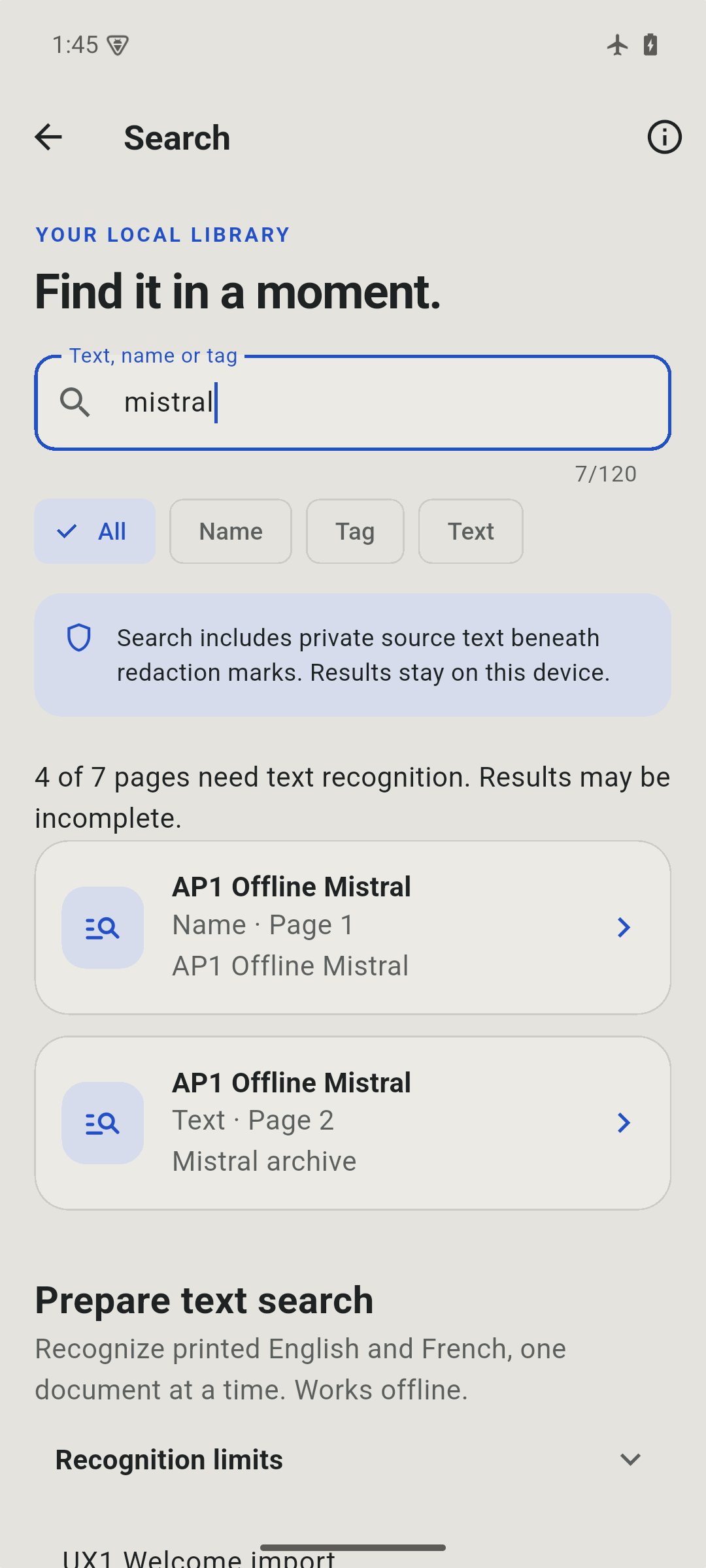
Search names, tags and recognized printed English or French text.

Paperwork, handled.
Capture the page. Put things in place. Prepare a file you’re ready to send.
Paprilo brings scanning, page editing and PDF preparation together in a library on your phone. No account needed.
Coming soon for Android and iPhone
Take a look inside

Less paper to sort. More room to think.
Paprilo, up close
Capture, prepare and find your documents. Review each result before it leaves your device.
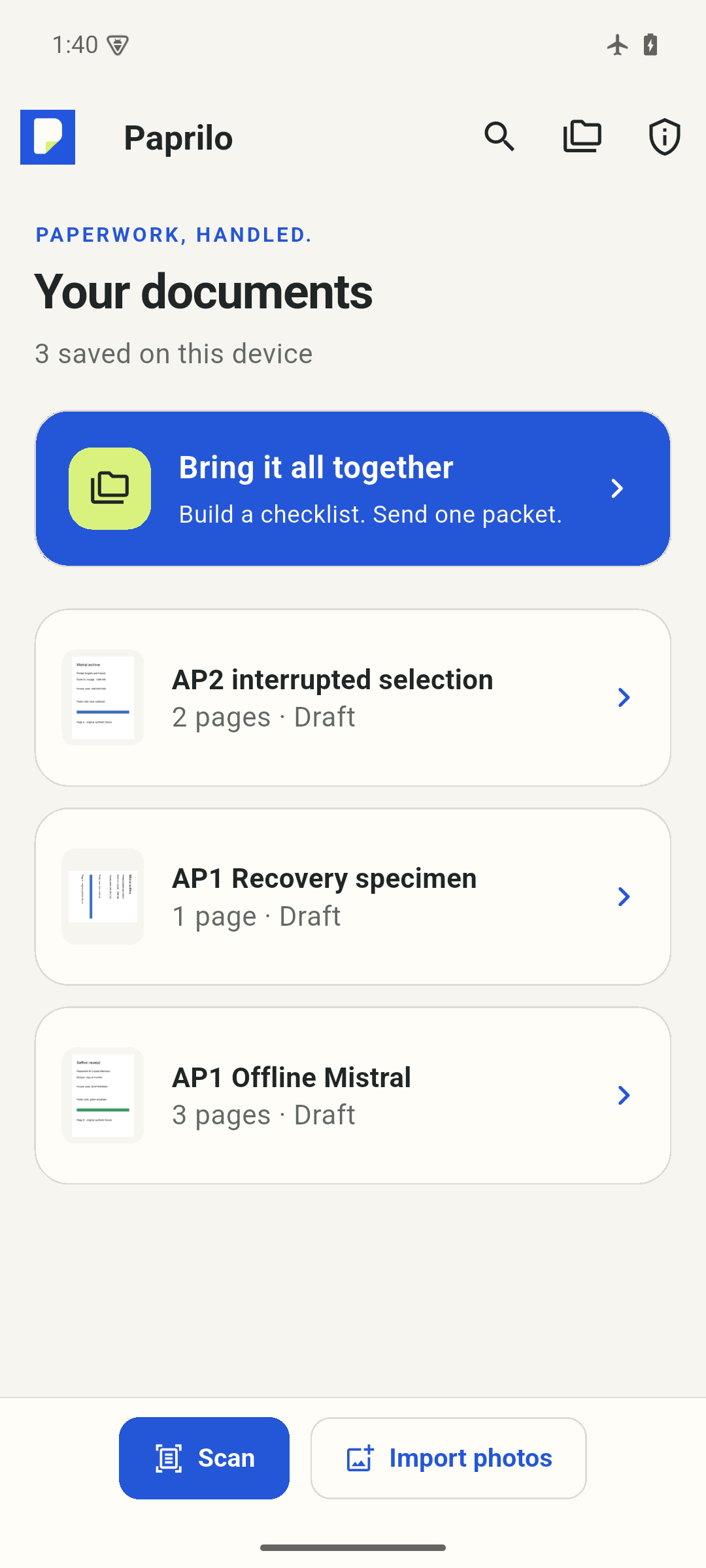
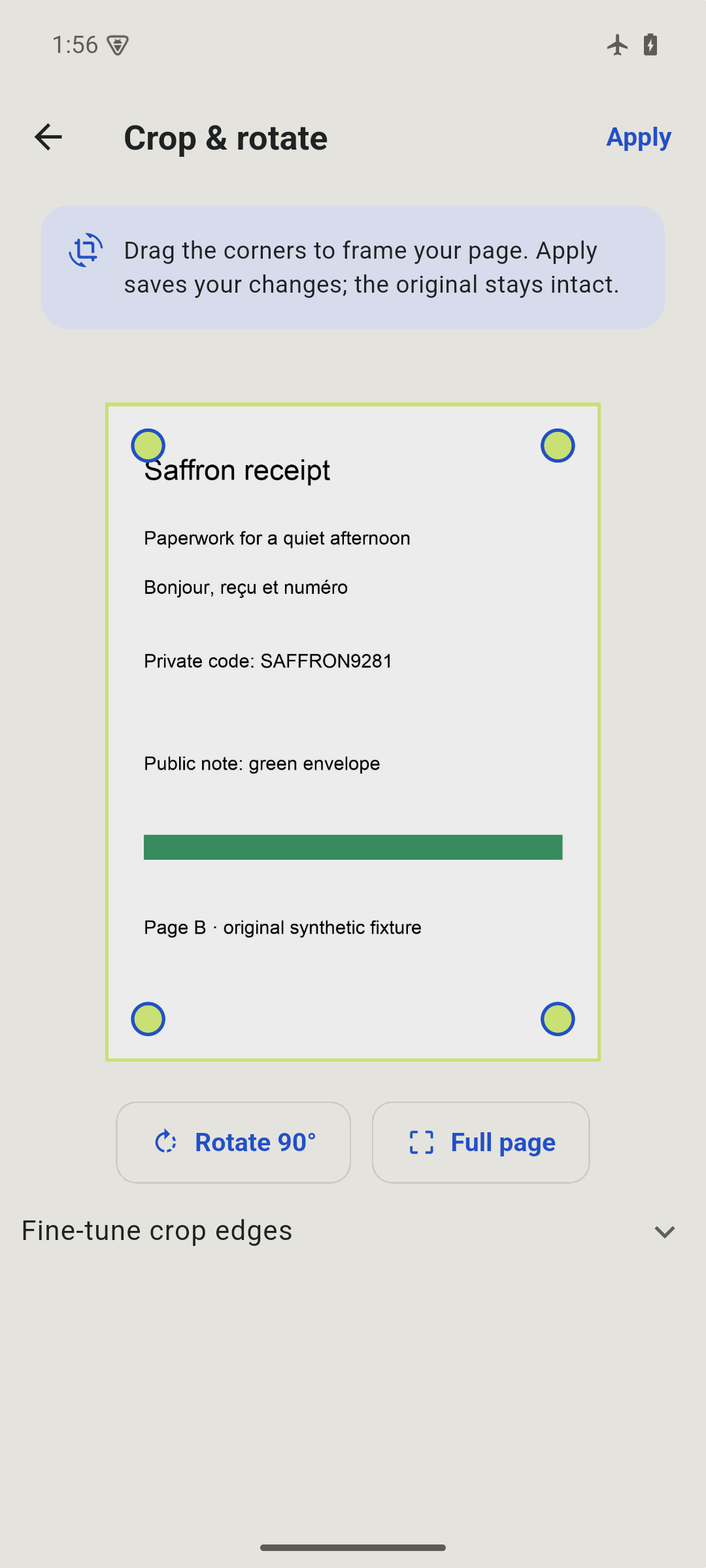
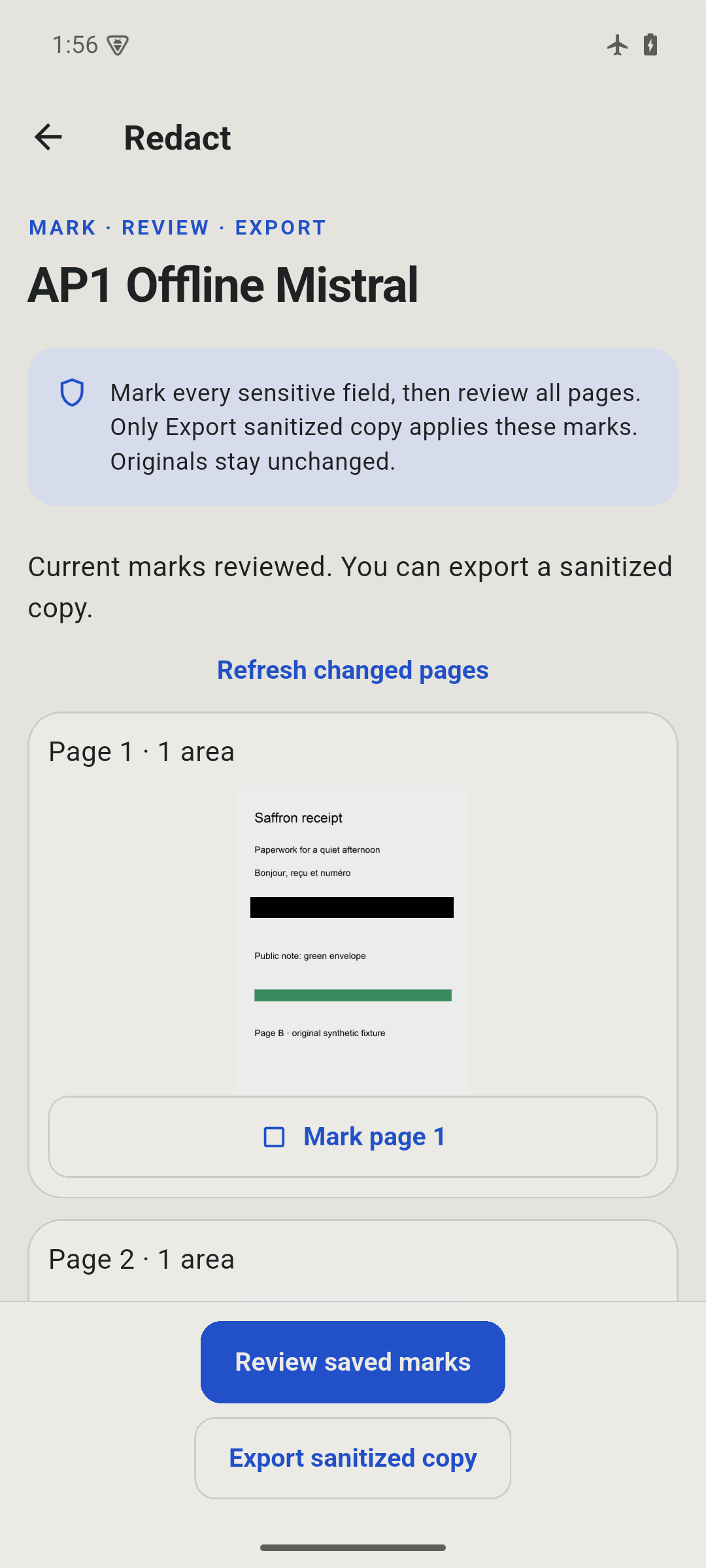
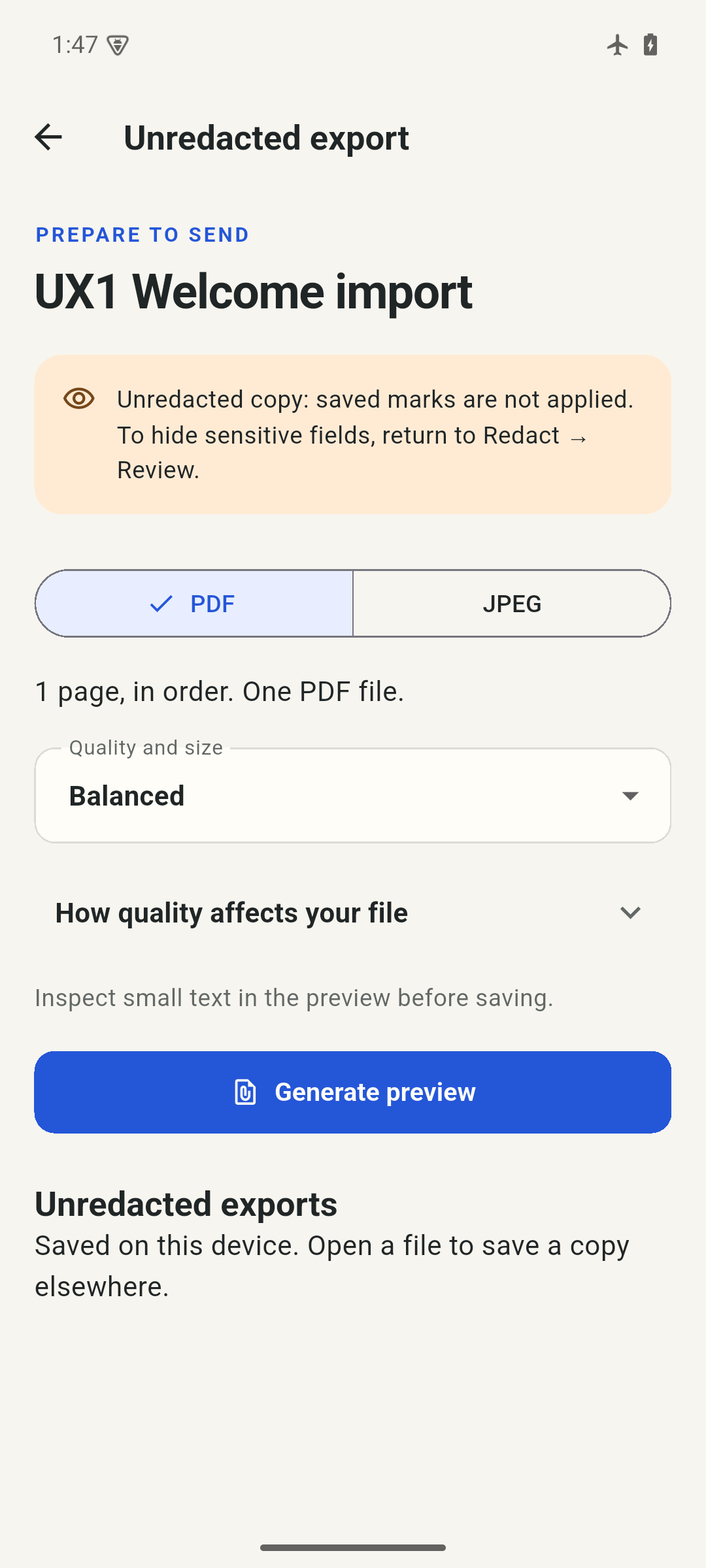
01 Start with a page
02 Make it ready
03 Keep it in reach
From loose pages to ready files
Scan with your camera or choose photos. Crop, rotate and arrange them in the order you need.
Cover selected details in a new sanitized copy, or gather several documents into one PDF packet.
Choose a PDF or single-page JPEG, try a target file size and preview the result before saving.

Made for your phone
Documents and printed-text recognition are processed locally. There’s no Paprilo account or automatic cloud sync. Files you choose to save or share go to the destination you select.
Read about privacySearch names, tags and recognized printed English or French text.
Save a password-encrypted copy of your library and preview it before restoring.
Use your device’s authentication to guard access through the app.
Not yet. The app is in release preparation for Android and iPhone. A release date and pricing have not been announced.
No account is required. Core document processing works on device. A destination you choose in Files or a share sheet may use its own network or cloud service.
Document names and tags, plus recognized printed English and French text. Recognition runs locally on Android and iOS 16 or later, can make mistakes and does not cover handwriting. Exported PDFs contain images without a searchable text layer.
No. You mark rectangles, review each page and create a new sanitized file. The covered pixels are replaced in that new file. Originals and earlier unredacted exports remain, so always check the exact copy you send.
A calmer way through the paperwork
Paprilo is coming soon. Explore what’s ready inside the app while we prepare for release.
Meet PapriloSomething to look forward to
We’re preparing a thoughtful place to capture, organize and export everyday paperwork.
Explore the current features, real app screens and practical answers while we prepare for release.
Explore PapriloRelease timing and pricing will be shared when confirmed. No signup is required to explore this site.